


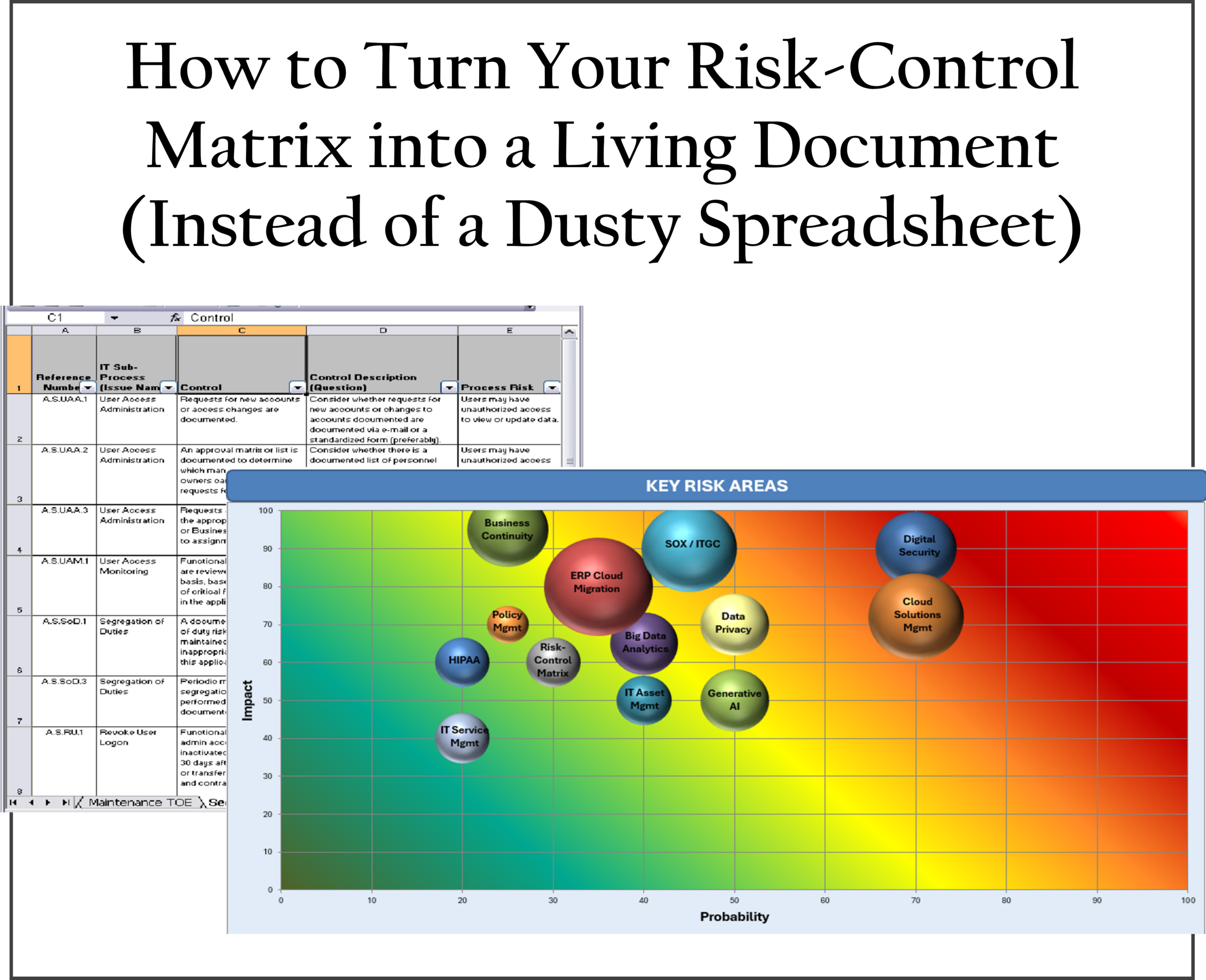
How to Turn Your Risk-Control Matrix Into a Living Document (Instead of a Dusty Spreadsheet)
Your Risk-Control Matrix (RCM) started with good intentions: a centralized view of key risks and the controls designed to mitigate them. Now it sits in a shared drive, updated sporadically, and referenced mainly when auditors ask for it.
The result? Outdated mappings, missed emerging risks (like new SaaS tools or AI usage), and audit findings for “Controls not operating effectively” or “Inadequate monitoring evidence.”
At Ward Tech Audit & Compliance, we help companies transform static RCMs into dynamic tools that actually drive risk reduction and compliance. Here’s a practical approach to make yours a living document.
Why Most Risk-Control Matrices Become Shelfware
> They’re updated only during audit season.
> Changes in the business (new vendors, system upgrades, process shifts) aren’t reflected.
> Ownership is unclear, so no one feels accountable.
> Evidence of control performance is scattered or missing.
> They focus on design rather than ongoing operation and testing.
A dusty RCM provides false comfort and leaves you exposed during regulatory reviews or incidents.
Practical Steps to Build a Living Risk-Control Matrix
1. Assign Clear Ownership and Accountability
Designate a risk owner and control owner for each row. Tie updates to business processes so changes in operations automatically trigger RCM reviews.
2. Establish a Regular Review Cadence
Set quarterly (or event-driven) reviews instead of annual. Trigger updates for:
> New systems or SaaS implementations
> Significant vendor changes or M&A activity
> Audit findings or incidents
> Regulatory updates (SOX, privacy laws, CMMC)
3. Integrate Evidence and Testing
Link each control to supporting evidence: test results, monitoring reports, policy acknowledgments, or SOC 2 exceptions. Use version history and a simple status field (e.g., “Effective,” “Needs Improvement,” “Not Tested”).
4. Connect It to Other Processes
Link the RCM to your policy framework, vendor risk scoring, incident response plan, and business continuity program. When a new control gap appears in one area, it should automatically flag the RCM.
5. Leverage Technology Without Overcomplicating
Move beyond Excel if possible—consider GRC tools or even structured SharePoint/Teams setups with automated reminders and dashboards. Start simple: add columns for last review date, evidence location, and residual risk rating.
Quick Wins for Immediate Impact
> Add a “Change Log” tab to track updates and rationale.
> Include a column for inherent vs. residual risk (tying into your third-party risk scoring).
> Review high-risk areas first—focus on financial reporting controls, access management, and vendor oversight.
> Share a summarized dashboard with leadership quarterly to demonstrate value.
From Static Spreadsheet to Strategic Tool
A living risk-control matrix doesn’t just help you pass audits—it gives leadership real-time visibility into risk exposure, supports better decision-making, and reduces the likelihood of costly surprises.
When maintained well, it becomes a competitive advantage: faster vendor onboarding, stronger audit responses, and more confident compliance with evolving regulations.
At Ward Tech Audit & Compliance, we specialize in helping organizations design, refresh, and operationalize risk-control matrices and broader control frameworks. Whether your RCM needs a full overhaul or just better integration with policies and vendor programs, we deliver practical solutions tailored to mid-sized companies.
Ready to breathe life into your risk-control matrix? Contact Ward Tech Audit for a no-obligation discussion on strengthening your risk and control environment.
PDF Version: